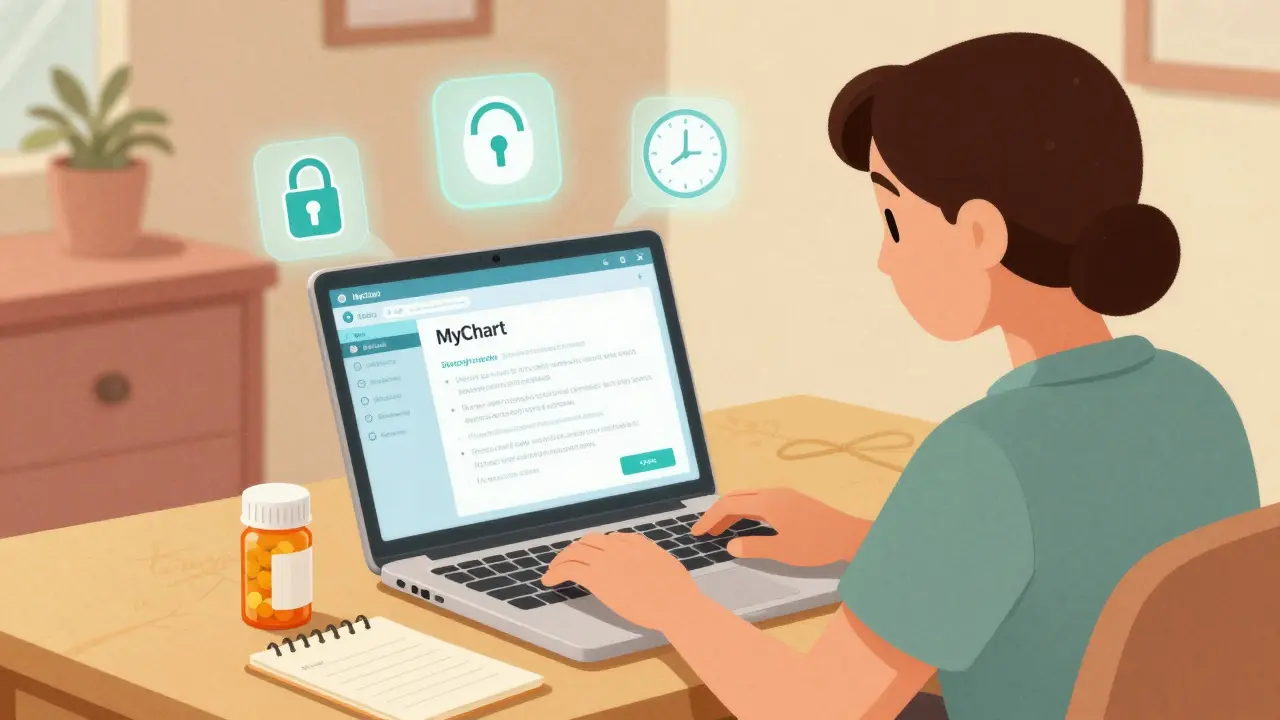
Asking about your medication shouldn’t mean playing phone tag or waiting days for a reply. With secure messaging, you can get clear answers directly from your care team - without risking your privacy. In 2026, most U.S. healthcare providers use encrypted, HIPAA-compliant messaging systems to handle medication questions. But if you’ve never used one, it can feel confusing. How do you start? What should you say? And why can’t you just text your doctor like you would a friend?
Why Secure Messaging Matters for Medication Questions
Every year, over 1.5 million medication errors happen in the U.S. Many of them come from miscommunication. A patient calls the office, gets transferred three times, and forgets to mention they’re taking two different blood pressure pills. Or they send a quick text on WhatsApp and accidentally share their full prescription history. Neither is safe. Secure messaging fixes this. It’s not just encrypted - it’s built into your doctor’s electronic health record. Messages are tied to your medical file, tracked in an audit log, and only visible to authorized staff. According to a 2023 study in JAMA Network Open, using secure messaging instead of phone calls cuts medication-related adverse events by 37%. That’s not a small number. It means fewer hospital visits, fewer mistakes, and less stress. The big shift came in June 2024, when the Joint Commission officially allowed providers to use secure messaging to send medication orders. Before that, even asking about a refill could be seen as risky. Now, it’s standard practice - as long as you’re using the right platform.How Secure Messaging Works (The Simple Version)
You don’t need to be tech-savvy. Most systems work the same way:- You log in to your provider’s patient portal - like MyChart, Epic, or My HealtheVet.
- You find the “Secure Messaging” or “Message Your Care Team” section.
- You pick “Medication” as the message type.
- You type your question.
- You hit send.
What to Include in Your Medication Message
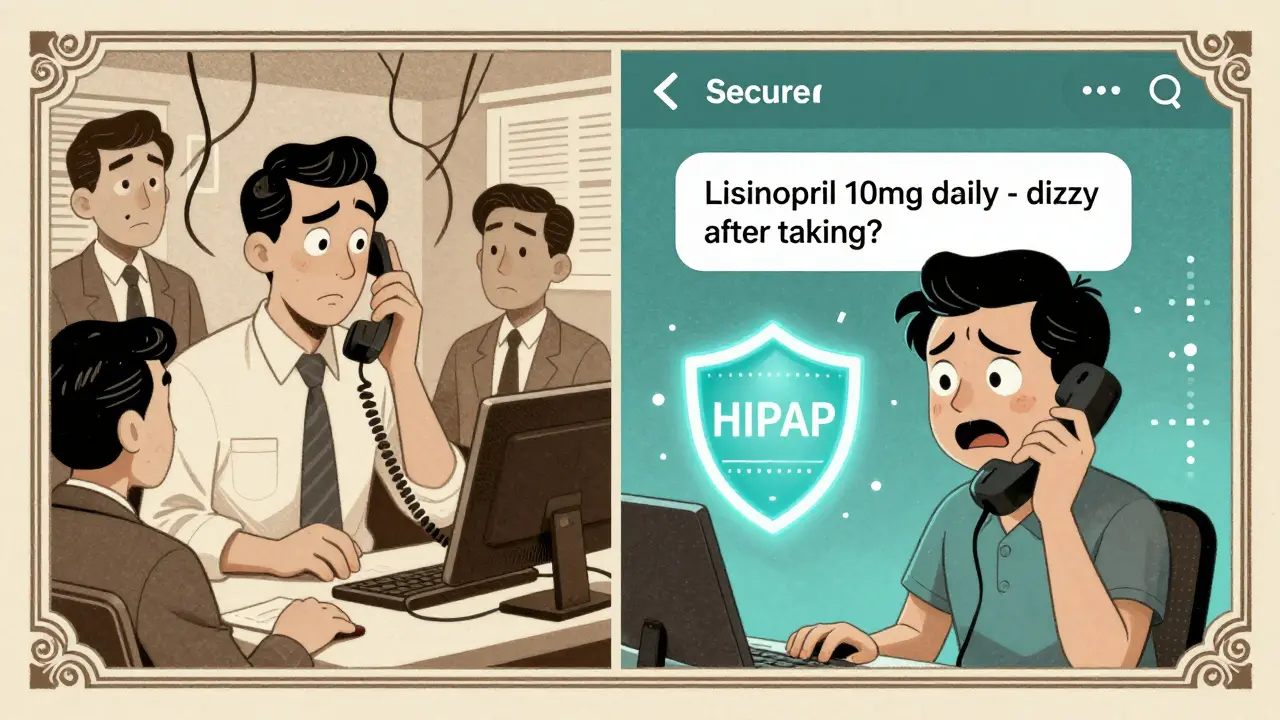
The key to getting a fast, accurate reply is giving the right details. Don’t just say, “I’m having side effects.” That’s too vague. Clinicians get hundreds of messages. Make theirs easy. Use this simple formula:- Medication name - Use the brand or generic name. Say “lisinopril” not “that blood pressure pill.”
- Dosage - “10 mg once daily” not “one pill.”
- Frequency - “every morning” or “as needed for pain.”
- Your question - “Is it okay to take with food?” or “I feel dizzy after taking this.”
- Context - “I started this last week,” or “I missed two doses.”
What NOT to Do
Secure messaging is powerful - but it has limits. Don’t use it for emergencies. If you’re having chest pain, trouble breathing, or swelling after a new medication, call 999 or go to the ER. Secure messaging is not real-time. The average response time is 48 hours. Waiting that long for a severe reaction can be dangerous. Don’t use personal email or WhatsApp. A 2023 OCR settlement fined a health system $3.2 million for staff using WhatsApp to coordinate meds. Even if it feels convenient, it’s illegal under HIPAA. Your data isn’t protected. Don’t skip adding your meds to your profile. Over 89% of systems require you to list your current medications in the portal before you can send a medication question. If you don’t, your message might get delayed or ignored. It takes 2-5 minutes to update, but it cuts errors by 37%.Top Platforms and What They Do Best
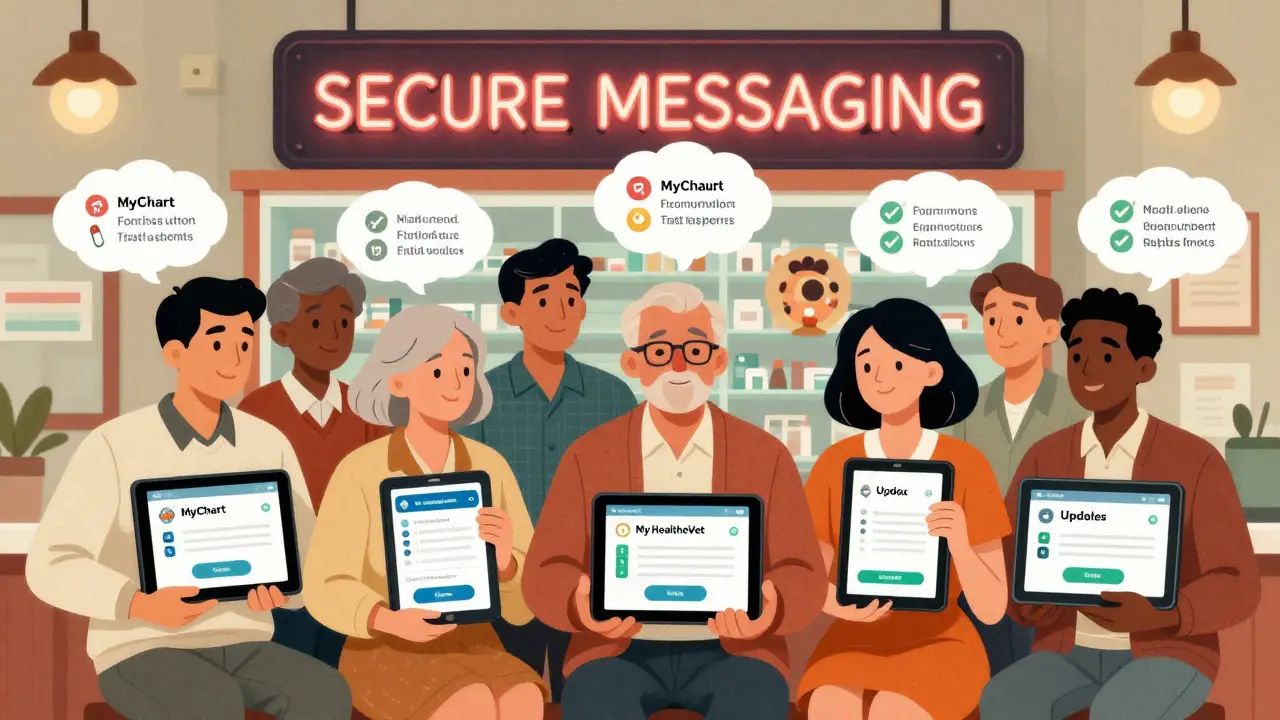
Not all secure messaging systems are the same. Here’s how the big ones compare:| Platform | Market Share | Best For | Response Time | Unique Feature |
|---|---|---|---|---|
| MyChart (Epic) | 55% | General medication renewals | 24-72 hours | One-click refill button for maintenance drugs |
| Cerner (HealtheIntent) | 18% | Complex chronic conditions | 48-72 hours | Integrated with pharmacy benefit managers |
| My HealtheVet | Used by VA | Veterans with multiple meds | 24-48 hours | Pre-built medication question templates |
| Updox | 12% | Small clinics | 24-48 hours | Direct pharmacy integration - 68% of refills auto-approved |
| TigerConnect | 5% | Specialty drugs (e.g., cancer, rheumatology) | 12-24 hours | 92% accuracy on complex regimen questions |
Real Patient Tips That Work
People have figured out shortcuts that save time. Here’s what works:- Include your pharmacy’s NABP number. One Reddit user shared that adding this six-digit code cuts renewal time by 50%. Your pharmacy can find it on their website.
- Check your portal daily. Messages don’t come to your email. You get a notification inside the app or portal. If you don’t log in, you miss replies.
- Use the template. MyChart and My HealtheVet have built-in forms that ask you step-by-step questions. Fill them out. It’s faster than typing freeform.
- Don’t send multiple messages. If you don’t get a reply in 72 hours, call the office. Don’t spam the system with follow-ups. It slows things down.
What’s Changing in 2025 and Beyond
The rules are getting stricter - and better. Starting December 2025, all certified health IT systems must include structured medication question templates. That means you’ll see dropdowns for “side effect,” “refill,” “dosage change,” and “new prescription.” No more guessing how to phrase it. AI is also stepping in. By 2026, systems will auto-fill your medication history when you start typing. If you ask, “Can I take this with ibuprofen?” the system will pull your full list and flag possible interactions before your doctor even sees it. And pharmacies? They’re getting connected. Blue Cross Blue Shield and Epic now auto-process over 1.2 million refill requests every month - no clinician needed. If your drug is on the approved list, it’s approved.What to Do If It Doesn’t Work
Sometimes, things go wrong:- You get an automated reply saying “Your refill request has been sent to your pharmacy.” But you never got the meds.
- You sent a message about a bad reaction and got no reply.
- You accidentally sent a message to the wrong person.
- Check your portal. Is the message marked “delivered”? If not, try resending.
- Look for an “urgent concern” button. Some portals let you flag a message as high priority.
- If you still don’t get a reply in 72 hours, call the office. Say: “I sent a secure message about [medication] on [date]. I haven’t heard back.”
- If you’re worried about safety, don’t wait. Call 999 or go to urgent care.
Final Thoughts: Make It Part of Your Routine
Secure messaging isn’t magic. But it’s the safest, most reliable way to ask about your meds. It’s faster than waiting for a callback. More secure than texting. And it leaves a paper trail - so if something goes wrong, you’re protected. Start today: Log into your portal. Find the Medications section. Add your current prescriptions. Then send your first message. You’ll be surprised how easy it is. The goal isn’t to replace your doctor. It’s to give you a direct line - without the noise, the delays, or the risk.Can I use WhatsApp or iMessage to ask about my medication?
No. Neither WhatsApp nor iMessage is HIPAA-compliant. Even if your doctor says it’s okay, it’s a violation of federal law. These apps don’t encrypt messages end-to-end in a way that meets healthcare standards. Always use your provider’s secure patient portal instead.
How long does it take to get a reply to a medication question?
Most secure messaging systems reply within 24 to 72 hours. This is slower than a phone call, but it’s more reliable. Messages are tracked, reviewed by trained staff, and answered by the right person - not a receptionist who doesn’t know your history. If you haven’t heard back after 72 hours, call the office.
What if I need a medication refill right now?
If you’re out of medication and need it immediately, don’t wait for a secure message. Call your pharmacy first - many can refill maintenance drugs without a new prescription. If they can’t, call your provider’s office. Secure messaging is for non-urgent requests. For urgent refills, phone calls or in-person visits are faster and safer.
Do I need to add my medications to the portal before asking questions?
Yes. Almost all systems require you to list your current medications in the “Medications & Allergies” section before you can send a medication-related message. This helps your care team avoid errors. It takes 2-5 minutes and reduces mistakes by 37%. If your meds aren’t listed, your message may be delayed or ignored.
Is secure messaging free to use?
Yes. Secure messaging through your provider’s portal is always free. You don’t pay extra for it. Some platforms may charge for premium features like video visits, but messaging is included as part of your care. If someone asks you to pay to send a medication question, it’s not legitimate.
Can my family members access my secure messages?
Only if you give them access. Most portals let you grant “proxy access” to a family member, but you must set it up manually. By default, your messages are private. No one else - not even your spouse or child - can see them unless you specifically allow it. This protects your privacy under HIPAA rules.
What should I do if I think my medication is causing a serious side effect?
If you’re experiencing chest pain, trouble breathing, swelling, confusion, or any other severe symptom, do not wait for a secure message reply. Call 999 or go to the nearest emergency department immediately. Secure messaging is not for emergencies. It’s designed for non-urgent questions like refill requests, dosage clarifications, or mild side effects.


Write a comment
Your email address will be restricted to us