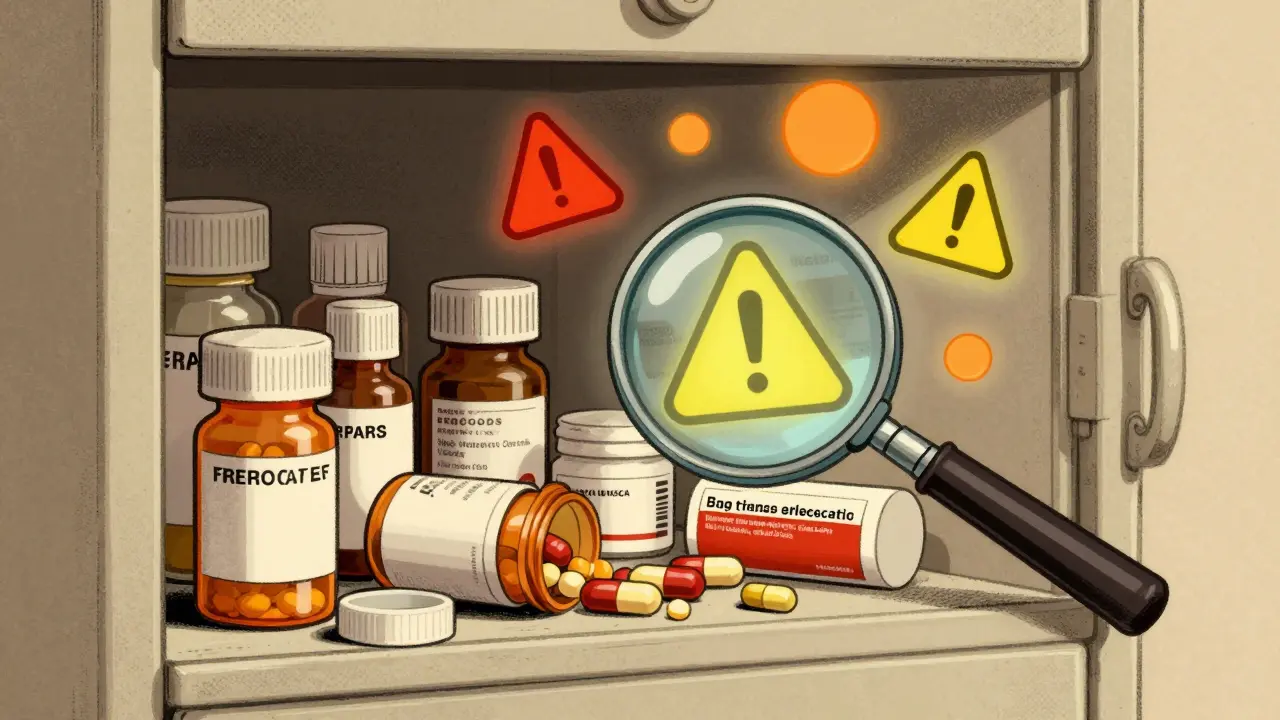
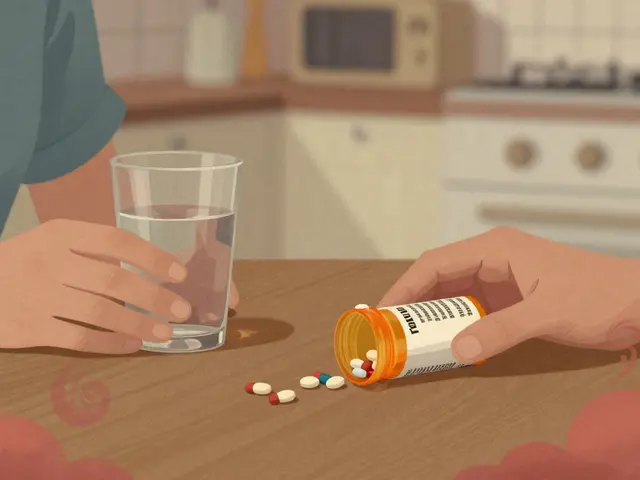
Every year, tens of thousands of people end up in the hospital because of unexpected reactions between their medications. Some of these reactions aren’t obvious - a common painkiller mixed with an antidepressant, or a daily supplement clashing with a blood pressure pill. You might not even realize something’s wrong until you feel dizzy, nauseous, or your condition suddenly gets worse. That’s where a drug interaction checker comes in. But using one isn’t as simple as typing in a few names and hitting enter. If you don’t know how to use it right, you could miss critical warnings - or waste time ignoring false alarms.
What a Drug Interaction Checker Actually Does
A drug interaction checker doesn’t guess. It compares the ingredients in your medications against a database of known chemical reactions. These tools look for three main types of risks:- Drug-drug interactions: When two or more medications affect each other’s absorption, metabolism, or effect. For example, the antibiotic clarithromycin can slow down how your body breaks down statins, raising the risk of muscle damage.
- Drug-food/drink interactions: Grapefruit juice can interfere with over 85 medications, including some cholesterol and blood pressure drugs. Alcohol can multiply the sedative effects of sleep aids or anxiety medications.
- Drug-condition interactions: Certain drugs are dangerous if you have specific health issues. For instance, NSAIDs like ibuprofen can worsen kidney disease or raise blood pressure in people with heart failure.
These tools don’t just say “warning.” They grade severity. The University of Liverpool’s COVID-19 Drug Interactions Checker uses a color-coded system: red means avoid together, orange means monitor closely, yellow means watch for mild changes, and green means no expected interaction. This kind of detail helps you prioritize what matters.
Not All Checkers Are Created Equal
There are dozens of drug interaction checkers out there - some free, some paid, some built into hospital systems. But their accuracy varies wildly.A 2016 study by the National Institutes of Health tested five major tools. Here’s what they found:
| Tool | Sensitivity (Detects Real Risks) | Specificity (Avoids False Alerts) | Comprehensiveness |
|---|---|---|---|
| Lexi-Interact | 77% | 72% | 370/534 |
| Micromedex | 75% | 78% | 330/534 |
| iFacts | Not tested | Not tested | 134/134 (perfect) |
| Epocrates | 60.3% | Not tested | Not tested |
| Medscape | 49% | Not tested | Not tested |
Lexi-Interact and Micromedex are the top performers for professionals. Lexi-Interact catches more real interactions - great if you’re screening for hidden risks. Micromedex is better at filtering out noise - useful if you’re tired of false alarms. But Epocrates and Medscape? They miss nearly half the dangerous combinations. If you’re using a free tool like WebMD or Drugs.com, know this: they’re better than nothing, but they’re not foolproof. One study found their accuracy hovers around 60%.
What You Must Input - And What You Might Forget
Most people only enter their prescriptions. That’s where things go wrong.According to the Cleveland Clinic, about 23% of serious drug interactions involve over-the-counter (OTC) meds or supplements. That means:
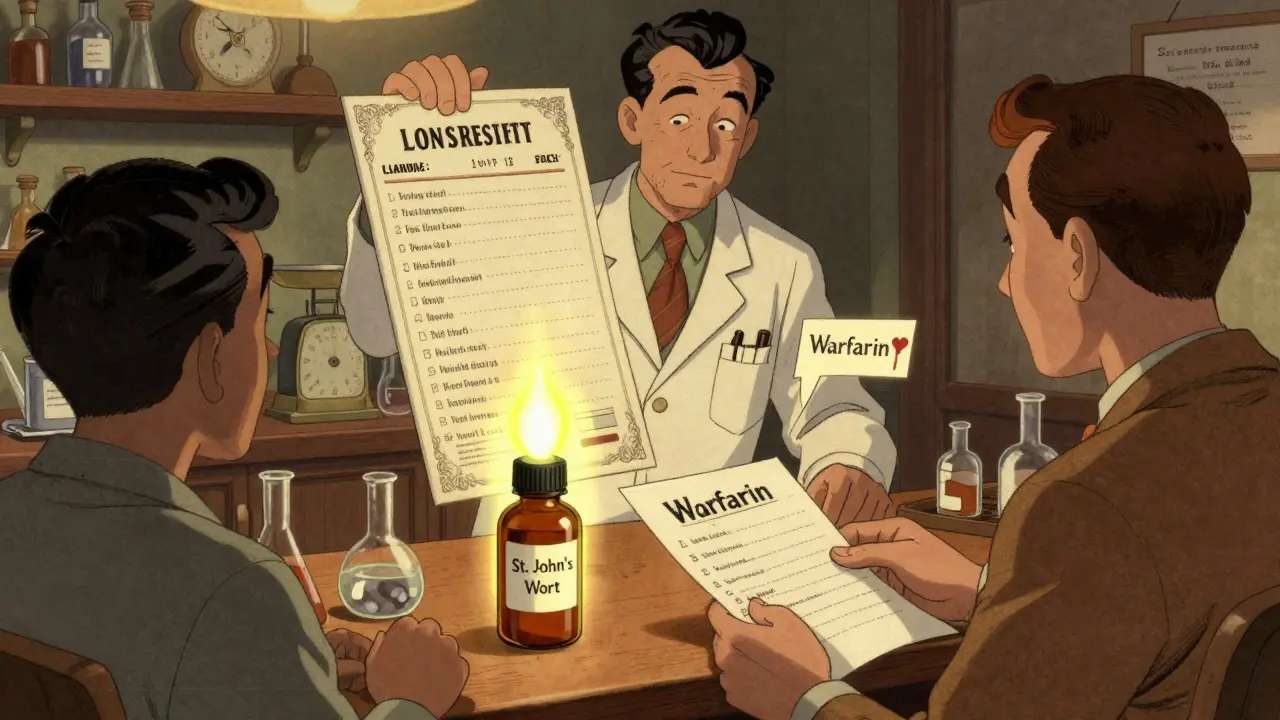
- St. John’s Wort - a popular herbal mood booster - can make birth control, antidepressants, and HIV meds useless.
- Ginkgo biloba can increase bleeding risk when taken with aspirin or warfarin.
- Calcium supplements can block absorption of thyroid medication if taken at the same time.
Don’t assume your pharmacist knows everything you’re taking. Many patients don’t mention supplements unless asked. So when you use a checker, list everything:
- All prescription medications (including topical creams and patches)
- All OTC drugs (pain relievers, cold meds, antacids)
- All vitamins, minerals, herbs, and supplements
- All recreational substances (alcohol, marijuana, nicotine patches)
Some tools accept brand names, generics, or even common nicknames. Drugs.com, for example, recognizes “Tylenol” and “acetaminophen.” But if your tool doesn’t recognize a name, try the generic version. If it still doesn’t work, look up the active ingredient on the bottle and search that.
How to Interpret the Results - Without Panicking
You run your list. The tool flags 17 interactions. Now what?Most flagged interactions aren’t emergencies. The NIH found that only 5-10% of alerts are truly high-risk. Here’s how to sort them:
- Red alerts: These are life-threatening. Examples: mixing MAO inhibitors with SSRIs (risk of serotonin syndrome), or taking simvastatin with clarithromycin (risk of muscle breakdown). Don’t wait - call your doctor or pharmacist immediately.
- Orange alerts: These need adjustment. Maybe a dose change, different timing, or monitoring blood levels. For example, warfarin and amiodarone together require frequent INR checks.
- Yellow alerts: Minor. Like taking a statin with grapefruit juice - you can still take both, but avoid large amounts of grapefruit.
- Green: Safe. You can relax.
Don’t ignore yellow alerts just because they’re “mild.” Over time, even small interactions can add up. And never assume a green result means “no risk.” No tool catches everything - especially with brand-new drugs or rare combinations.
When to Use Multiple Tools
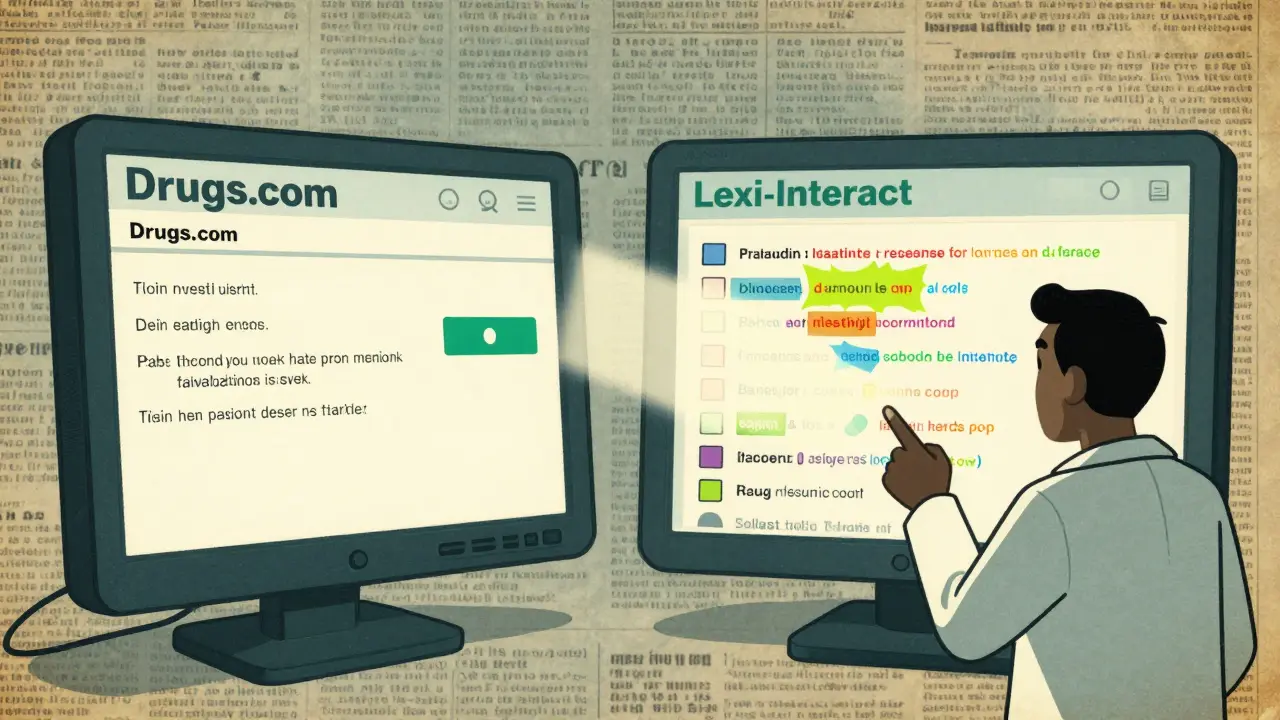
The American Society of Health-System Pharmacists recommends using at least two independent checkers if you’re on five or more medications. Why? Because each tool has blind spots.One study showed a 15-20% difference in alerts between Lexi-Interact and Micromedex. That means if you only use one, you might miss something important. For example:
- Use Lexi-Interact for broad screening - it’s good at catching rare interactions.
- Use Micromedex to confirm - it’s better at filtering out noise.
- Use the University of Liverpool’s tool if you’re on Paxlovid or other COVID-19 antivirals - it’s the most up-to-date for those specific drugs.
For everyday use, try Drugs.com or WebMD first. Then cross-check with Medscape or a professional tool if you’re unsure. If you’re a caregiver or managing complex meds, don’t skip this step.
The Big Limitation - And How to Work Around It
No drug interaction checker can predict every possible reaction. Why?- New drugs aren’t tested against every other drug on the market. Clinical trials can’t cover all combinations.
- Herbal supplements are poorly studied. Many databases don’t include them fully - especially less common ones like ashwagandha or turmeric extracts.
- Genetic differences matter. Some people metabolize drugs faster or slower due to their DNA. No checker accounts for that.
- Timing matters. Taking two drugs 12 hours apart can avoid an interaction - but most tools don’t track dosing schedules.
The FDA says clearly: “No DDI checker replaces pharmacist review.” That’s not a suggestion. It’s a warning.
Here’s what to do instead:
- Run your list through a checker before your next doctor visit.
- Print or screenshot the results.
- Bring it to your pharmacist - not just your doctor. Pharmacists are trained to interpret these tools and spot what software misses.
- Ask: “Is this interaction real? Or just a theoretical risk?”
One patient in 2022 relied only on a free online checker that didn’t flag a dangerous interaction between sertraline and linezolid. She developed serotonin syndrome - a life-threatening condition. She survived, but only because her family rushed her to the ER. That could’ve been prevented.
What the Experts Say
Dr. David Flockhart, a leading pharmacologist, put it plainly: “DDI checkers are essential but imperfect tools that must be paired with clinical judgment.”Dr. Paul Offit praised the University of Liverpool’s tool as the gold standard for COVID-19 drugs. Dr. Adam Gaffney warned that too many doctors and patients treat these tools like crystal balls - and ignore their own instincts. “If something feels off, even if the tool says ‘green,’ speak up,” he said.
And here’s the truth: if you’re taking more than four medications, you’re in the high-risk zone. The CDC says adults over 65 take an average of 4.8 prescriptions. That’s not rare - it’s normal. And that’s why you need this tool - not as a replacement, but as a safety net.
Your Action Plan
Here’s how to use a drug interaction checker effectively - right now:- Make a full list of everything you take - prescriptions, OTC, supplements, even occasional meds.
- Use two tools - one free (Drugs.com or WebMD) and one professional-grade (Lexi-Interact or Micromedex if accessible).
- Focus on red and orange alerts. Don’t get distracted by yellow unless you’re unsure.
- Print or save the results and bring them to your pharmacist.
- Ask your pharmacist: “Which of these interactions are real threats? Which ones can I ignore?”
- Update your list every time you start or stop a medication - even if it’s just a new painkiller.
Drug interaction checkers won’t prevent every problem. But when used correctly, they’re one of the most powerful tools you have to stay safe. Don’t treat them like a magic button. Treat them like a flashlight - useful, but only if you know how to hold it.




Write a comment
Your email address will be restricted to us