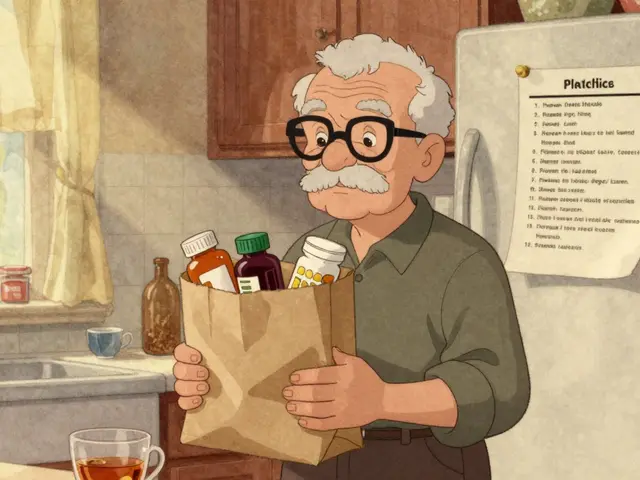
Imagine walking into an emergency room at 2 AM. The doctor asks what you're taking, and you freeze. You remember the blood pressure pill, but what about that new eye drop? Or the herbal supplement your sister recommended? In that high-stakes moment, a missing detail can lead to a dangerous interaction or a delayed treatment. This is why keeping a complete medication list isn't just a bureaucratic chore-it's a critical tool for your own safety.
Most people think their memory is enough. They aren't. Studies show that up to 60% of medication histories contain errors when patients switch between doctors or hospitals. An accurate list bridges the gap between providers, ensuring everyone sees the same picture of your health. It turns you from a passive recipient of care into an active participant in your own safety.
What Actually Belongs on Your List?
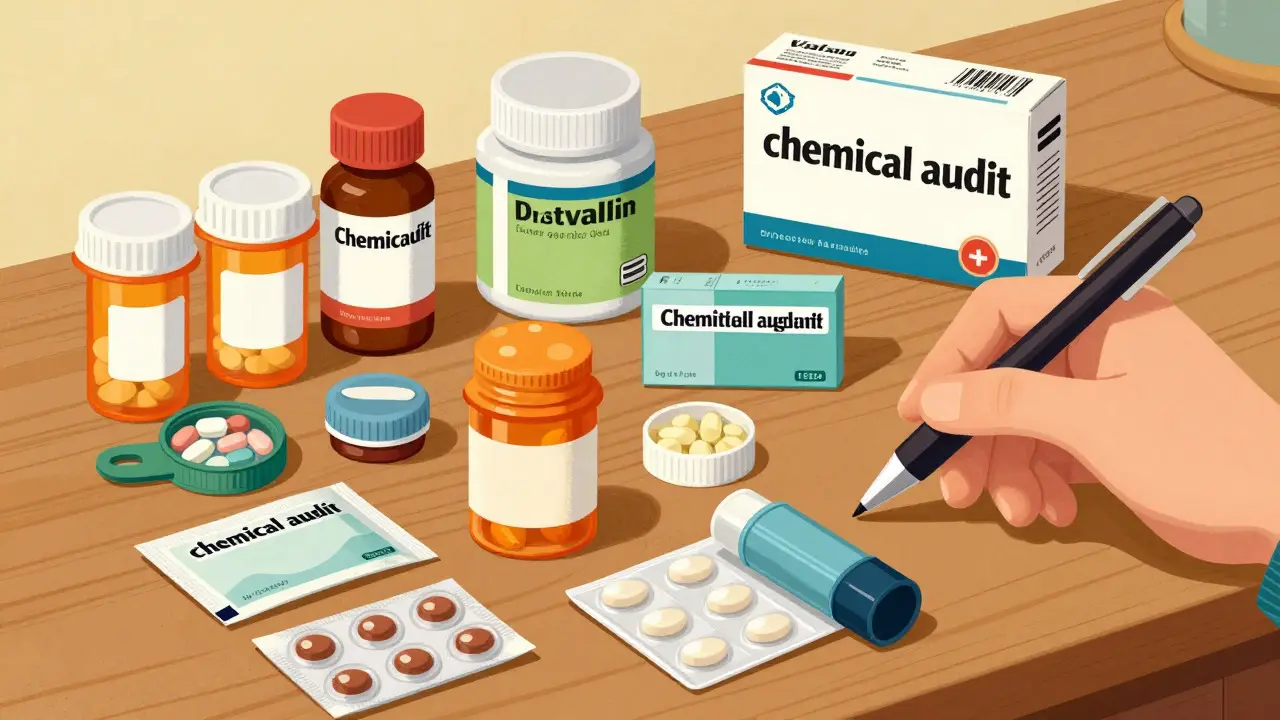
A lot of people stop at prescription drugs. That’s a mistake. A truly comprehensive inventory includes everything that enters your body and could affect your physiology. Think of it as a full audit of your chemical intake.
- Prescription Medications: Include both generic and brand names if possible. Example: "Lisinopril (Zestril) 10 mg."
- Over-the-Counter (OTC) Products: Pain relievers like ibuprofen, antihistamines, cough syrups, and heartburn remedies count. These are often forgotten because they don't require a doctor's signature.
- Vitamins and Supplements: Fish oil, multivitamins, magnesium, vitamin D. Dosage matters here too.
- Herbal Remedies: St. John's Wort, ginkgo biloba, echinacea. These can interact with standard drugs in surprising ways.
- Topical and Inhalers: Eye drops, skin creams, asthma inhalers, and nasal sprays.
- Allergies: Don't just say "penicillin allergy." Specify the reaction, such as "rash" or "swelling," so doctors know the severity.
For each item, note the exact dosage strength and how often you take it. Writing "once daily with breakfast" is far more useful than just "daily." Also, include the reason for the medication. If a specialist prescribes something, noting "for migraines" helps your GP understand its purpose if they didn't write the script themselves.
Why Incomplete Lists Cause Harm
Medication errors aren't rare glitches; they are a systemic issue. In the US alone, they affect roughly 1.5 million people annually, costing billions in extra medical bills. Half of these errors happen during transitions of care-like when you leave the hospital and go home, or when you see a new specialist.
The problem? Providers rely on what you tell them. If you forget to mention the OTC painkiller you took three times a week, the doctor might prescribe a drug that interacts badly with it. The American Hospital Association found that incomplete medication histories are the leading cause of adverse drug events during hospital admissions, accounting for over 36% of preventable errors. It’s not about blame; it’s about information gaps.
Dr. David Bates, a prominent researcher at Harvard Medical School, noted in a 2022 study that patients who maintain comprehensive lists reduce their risk of adverse drug events by 43%. That’s a massive difference. It highlights that the power lies in your hands, not just the clinic's computers.
Building Your List: A Practical Step-by-Step Guide
You don’t need to be a pharmacist to create this document. You just need to be organized. Here is a simple protocol used by many health experts to get started.
- Gather Everything: Empty your medicine cabinet. Put every bottle, box, and packet on the table. If you have refills coming, check your pharmacy app or recent receipts.
- Create the Document: Use a physical notebook or a digital note. If using paper, write clearly. Large fonts help if you’re older or if family members need to read it in an emergency.
- Fill in the Details: For each item, write the name, dose, frequency, and purpose. Add the date you started taking it. If you know the prescriber, add their name.
- Add Context: Include your pharmacy’s contact info and a primary emergency contact. Note when you last took each medication if you’re currently in a transition of care.
- Schedule a Review: Take this list to your primary care provider. Don’t just hand it over; ask for a dedicated review. Studies show that 68% of medication discussions get cut short if they’re tacked onto the end of a busy appointment. Request a specific time slot for medication reconciliation.
This process takes about 20 to 30 minutes. It feels tedious, but it’s the foundation of safe care. Once created, the maintenance is easy: update it immediately whenever a doctor adds, removes, or changes a dose.
Digital Tools vs. Paper: Which Works Best?
Technology has changed how we manage health data. Apps like GoodRx, Medisafe, and MyTherapy offer reminders and digital storage. According to IQVIA, the medication management app sector grew 19% in 2023, reaching $2.8 billion globally. These tools are great for reminders and tracking adherence.
However, there’s a catch. Not everyone uses digital tools effectively. Research shows only 28% of adults over 75 use digital medication tools without assistance. Plus, apps can crash, batteries die, and internet access isn't always available in rural areas or emergencies.
Paper lists remain surprisingly robust. A 2022 survey found that 68% of patients still prefer or use paper lists. They are accessible to anyone, require no charging, and can be handed directly to a paramedic or ER doctor. The best approach? Hybrid. Use a digital app for daily reminders and backup, but keep a printed copy in your wallet, fridge, or car. Ensure the paper version is updated regularly.
| Feature | Paper List | Digital App/Portal |
|---|---|---|
| Accessibility in Emergency | High (no tech needed) | Moderate (requires device/battery) |
| Reminders & Alerts | None | High (automated notifications) |
| Sharing with Providers | Manual (handing over paper) | Instant (if connected to EHR) |
| User Demographics | Preferred by elderly/rural users | Preferred by younger/tech-savvy users |
| Risk of Loss | Physical loss/damage | Data sync issues/device failure |
Common Pitfalls and How to Avoid Them
Even with good intentions, people make mistakes. Here are the most common traps and how to sidestep them.
- Forgetting OTCs: Over 58% of patients forget to list non-prescription meds. Keep a small notepad in your bathroom or kitchen where you take these, and jot them down immediately.
- "As Needed" Confusion: Tracking medications taken only when symptoms arise (PRN meds) is tricky. Use a simple log: date, time, and reason. The ECRI Institute recommends specific trackers for this to ensure accuracy.
- Outdated Information: A list from six months ago is useless. Make updating it part of your routine. When you pick up a refill, check if the dose changed. If a doctor stops a med, cross it out or delete it right away.
- Assuming Memory is Enough: Dr. Michael Cohen from ISMP warns that relying solely on memory creates a false sense of security. In one study, 73% of patient-reported lists had significant omissions. Verify against your pharmacy records periodically.
Also, watch out for duplicate therapies. Sometimes a dermatologist prescribes a topical steroid, and your GP doesn't know about it. If you already use a similar cream, you might be overdosing locally. Your list helps catch these overlaps during reviews.

How This Improves Communication with Providers
Care coordination fails when information silos exist. Your cardiologist talks to your cardiologist, but do they talk to your GP? Often, not. Your medication list acts as a universal translator. When you present a clear, documented history, you save time and reduce cognitive load on the provider.
The AMA notes that practices using synchronized prescription renewals and integrated lists save providers hours per day. For you, it means fewer questions, faster diagnoses, and more time discussing actual health concerns rather than trying to reconstruct your medication history from scratch.
Furthermore, having a list empowers you to ask better questions. Instead of asking "Is this safe?", you can ask, "Does this new antibiotic interact with my statin listed here?" Specificity leads to better answers.
Frequently Asked Questions
Do I really need to list vitamins and supplements?
Yes. Herbal supplements and high-dose vitamins can interact with prescription drugs. For example, St. John's Wort reduces the effectiveness of many antidepressants and birth control pills. Listing them ensures your doctor checks for these interactions.
How often should I update my medication list?
Immediately after any change. If a doctor adds a new med, changes a dose, or stops a prescription, update the list that same day. Additionally, do a full annual review with your primary care provider to catch any drift or forgotten OTC products.
Is a digital app better than a paper list?
Neither is universally better. Digital apps are superior for reminders and sharing with connected healthcare systems. Paper lists are more reliable in emergencies and for older adults or those with limited tech access. The safest strategy is to use both: a digital record for daily management and a printed copy for emergencies and quick reference.
What if I have a complex regimen with many medications?
If you take five or more medications, consider using visual aids. Color-coding different types of meds (e.g., red for cardiovascular, blue for diabetes) or using icons can improve adherence and clarity. Advanced Psychiatry Associates found that visual aids improved adherence by 27% in patients with complex regimens.
Should I bring my medication list to every doctor's appointment?
Ideally, yes. Even if your records are electronically linked, providers don't always review them thoroughly. Having the list in hand ensures the conversation focuses on current status and allows you to point out any discrepancies immediately. It also serves as a backup if electronic systems fail.